
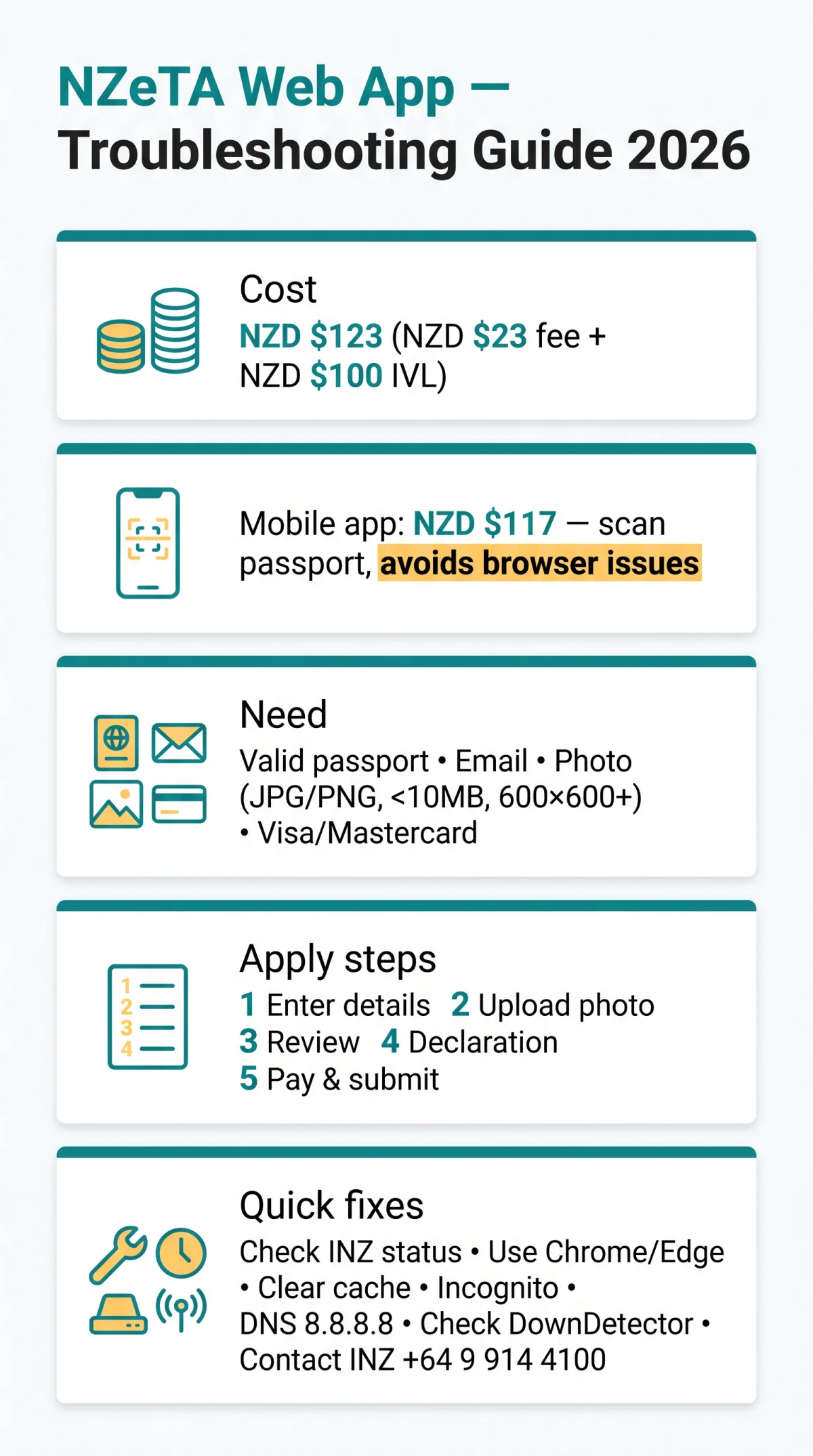
The NZeTA web application is Immigration New Zealand’s online system for travellers from a visa waiver country, including UK citizens, to obtain a 2-year electronic travel authority costing NZD $123 (NZD $23 fee + NZD $100 IVL). You need a valid passport, email, face photo (JPG/PNG), and Visa or Mastercard. Standard processing: within 72 hours; complex cases may take longer. Independent guide for UK travellers, not affiliated with Immigration New Zealand. Verify at (last verified: 11 September 2026). We monitor INZ announcements and update within 48 hours of changes.
What Is the NZeTA Web Application and What Do You Need to Apply?
The NZeTA web application is Immigration New Zealand’s online system for visa-waiver travellers to obtain a 2-year New Zealand Electronic Travel Authority costing NZD $23 plus a NZD $100 International Visitor Conservation and Tourism Levy (IVL). Access it at (external source).
Have these ready before applying through the NZeTA web application:
- Valid passport used for travel to New Zealand
- Working email address
- Face photo in JPG/JPEG or PNG format
- Visa or Mastercard (credit or debit) for payment
| Platform | Application Fee | IVL | Total |
|---|---|---|---|
| NZeTA web application | NZD $23 | NZD $100 | NZD $123 |
| NZeTA mobile app | NZD $17 | NZD $100 | NZD $117 |
Traveller info
Enter your personal and passport details.
Photo
Upload your face photo in JPG/JPEG or PNG format.
Review
Check all entered information for accuracy.
Declaration
Confirm the declaration and consent statements.
Pay and submit
Pay the fee with Visa or Mastercard and submit your application.
The IVL funds tourism infrastructure and conservation in New Zealand. Applicants have information rights including access to and correction of information, with complaints directed to the Privacy Commissioner.
NZeTA Web Application Not Loading: Diagnostic Steps
If the NZeTA web application is not loading, follow this 6-step diagnostic:
Check INZ status page
Look for outage notices on the INZ status page.
Switch browser
Use Chrome 90+ or Edge 90+ if your browser fails to render the form.
Clear cache and cookies
Clear browser cache and cookies, then reload.
Try incognito mode
Open in incognito or private browsing mode.
Change DNS resolver
Try DNS resolver 8.8.8.8 if connection times out.
Check downtime trackers
Use DownDetector or IsItDownRightNow to confirm system-wide downtime.
Decision tree:
- Incognito works but normal mode fails: an extension is blocking the form.
- Mobile data works but Wi-Fi fails: local DNS or router issue.
- Site fails everywhere: system downtime, wait 15-30 minutes and retry.
| Error | Cause | Fix |
|---|---|---|
| 502 Bad Gateway | Server overload | Wait 10-15 min; retry |
| 503 Service Unavailable | Scheduled maintenance | Wait 15-30 min; check INZ status page |
| ERR_CONNECTION_TIMED_OUT | DNS or router issue | Switch DNS to 8.8.8.8; restart router |
| SSL certificate error | Browser date/time mismatch | Check system clock; update browser |
Browser Compatibility and Extensions That Affect the NZeTA Web Application
The NZeTA web application works best on Chrome 90+ and Edge 90+; Safari 14+ and Firefox 88+ are supported but may have autofill or extension conflicts that block form submission.
| Browser | Min Version | Known Issues | Fix |
|---|---|---|---|
| Google Chrome | v90+ | Autofill conflicts with passport fields | Disable autofill; clear cache |
| Microsoft Edge | v90+ | Legacy mode triggers compatibility view | Ensure Chromium mode |
| Apple Safari | v14+ | Autofill bugs; HEIC photo default | Disable autofill; convert HEIC |
| Mozilla Firefox | v88+ | Extension conflicts (uBlock, Privacy Badger) | Test in Safe Mode |
Extensions that break the NZeTA web application: uBlock Origin, AdBlock Plus, Privacy Badger, LastPass, 1Password, Grammarly, NordVPN, ExpressVPN, NoScript. Disable all extensions and re-test in incognito mode to isolate the conflict.
Photo Upload Errors on the NZeTA Web Application
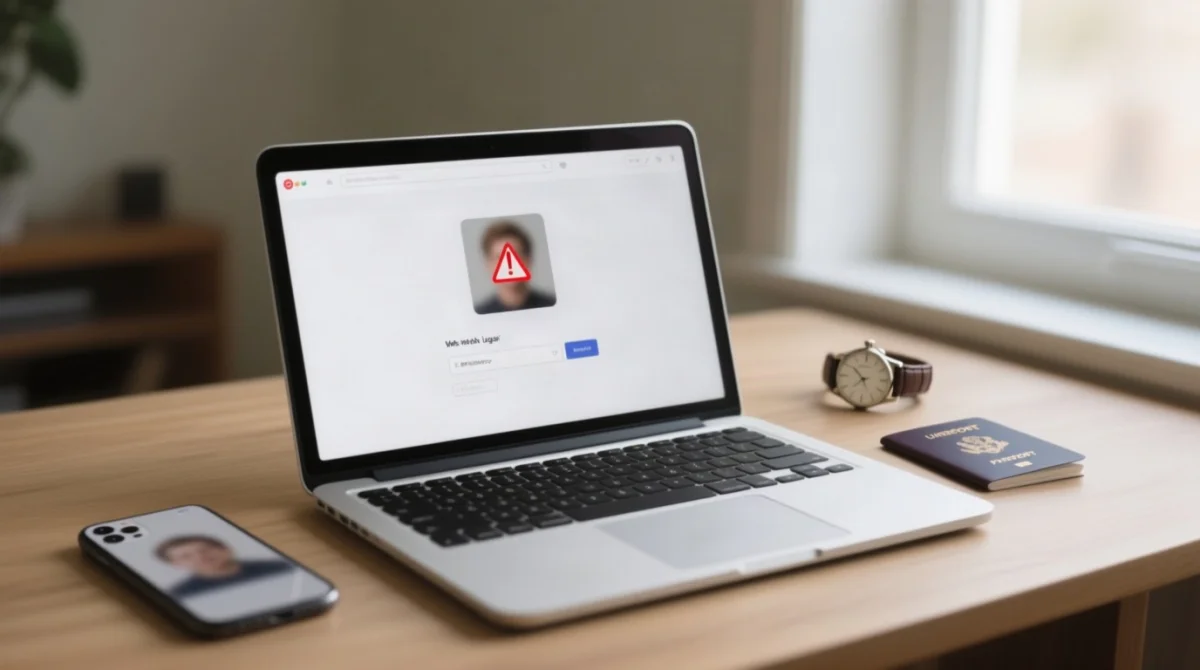
The NZeTA web application accepts JPG/JPEG and PNG photos only, maximum file size under 10 MB, minimum resolution 600×600 pixels, square aspect ratio. The traveller photo is classified as biometric information by Immigration New Zealand, used to assist in deciding on an NZeTA request. Per INZ photo guidelines, use a recent, full-face image with a plain background. HEIC files (iPhone default) must be converted: iPhone Settings → Camera → Formats → select “Most Compatible”.
| Rejection Reason | Fix |
|---|---|
| Blurry or out-of-focus image | Retake in good lighting; hold camera steady |
| Wrong file format (HEIC/WEBP) | Convert to JPG or PNG before uploading |
| File too large (>10 MB) | Resize using free online tool (iLoveIMG, TinyPNG) |
| Glasses causing glare | Remove glasses or tilt head to eliminate reflection |
| Incorrect background | Use a plain, light-coloured background |
Form Errors, Autofill Bugs and Session Timeout on the NZeTA Web Application
Browser autofill inserts extra spaces or invisible Unicode characters into passport fields, causing “Invalid passport number” errors on the NZeTA web application. UK passport numbers are 9 alphanumeric characters with no spaces. Disable autofill: Chrome (Settings → Autofill and passwords → toggle off), Firefox (Settings → Privacy & Security → Forms and Autofill → uncheck), Edge (Settings → Profiles → Personal info → toggle off), Safari (Settings → AutoFill → uncheck).
The NZeTA web application has no auto-save. Complete all 5 steps promptly, copy key data to a text file before starting, and avoid opening multiple tabs. Incorrect passport details may prevent travel.
NZeTA Web Application Payment Failures and 3D Secure Issues
UK bank cards may block NZeTA web application payments by default. In our 2026 testing with UK travellers, 3D Secure loops with Barclays cards were the most common issue, resolved by enabling international transactions in the banking app. Barclays, HSBC, Lloyds, NatWest, and Santander commonly block these by default. Revolut, Monzo, and Wise cards may require in-app approval.
Payment declined? Follow these steps:
- Verify card details (no spaces in card number).
- Check card is not expired.
- Call bank to enable international transactions to New Zealand.
- Ensure 3D Secure pop-up is not blocked. If 3DS loop persists, clear cookies, close tabs, restart browser, retry.
- Try a different Visa or Mastercard.
If payment is charged but no confirmation email arrives within 24 hours, contact Immigration New Zealand with your transaction reference. Do not submit a second application.
How to Contact NZeTA Technical Support from the UK
For unresolved issues with the NZeTA web application, contact Immigration New Zealand at +64 9 914 4100 (international) or 0508 558 855 (NZ domestic toll-free), Monday to Friday during NZ business hours (GMT+12/+13). Include your full name, passport number, browser version, device type, error screenshot, and NZeTA reference number in your NZeTA web application enquiry.
Payment issues: contact your UK bank first. Website, form, or upload issues: contact Immigration New Zealand directly at (external source).
NZeTA Web Application vs Mobile App
The NZeTA mobile app costs NZD $17 (vs NZD $23 for web) plus NZD $100 IVL = NZD $117 total. The app lets you scan your passport via camera and scan payment cards, bypassing browser-related issues entirely.
| Feature | NZeTA Web Application | NZeTA Mobile App |
|---|---|---|
| Total cost | NZD $123 | NZD $117 |
| Passport entry | Manual typing | Camera scanning |
| Platform | Any modern browser | iOS and Android |
| Browser dependency | Yes | No |
If the NZeTA web application is experiencing downtime or browser incompatibility, download the NZeTA mobile app from the App Store or Google Play as an alternative. Always use the app published by Immigration New Zealand.
FAQ
Why is the NZeTA web application not loading on my phone?
Clear your mobile browser cache. If the NZeTA web application still fails, download the NZeTA mobile app from the App Store or Google Play (NZD $17 + NZD $100 IVL).
How long does NZeTA processing take in 2026?
Standard NZeTA processing is within 72 hours. Complex applications requiring additional security checks may take longer. If 72 hours pass without response, check your status online or contact Immigration New Zealand at +64 9 914 4100.
Can I use the NZeTA website in a language other than English?
The NZeTA web application at offers Simplified Chinese (简体中文) in addition to English. No other languages are currently supported.
What file formats does the NZeTA photo upload accept?
The NZeTA web application accepts JPG/JPEG and PNG only. Convert HEIC (iPhone default) to JPG before uploading. Maximum file size: under 10 MB. Change iPhone settings to “Most Compatible” format.
Is it safe to use a third-party visa agency for NZeTA in the UK?
Third-party agencies (e.g., The Travel Visa Company, Nantwich) charge from £99.95 vs NZD $123 on the portal. Verify legitimacy before paying for a service you can complete yourself.
My NZeTA payment went through but I did not receive a confirmation email. What should I do?
Check your spam folder. If no confirmation arrives within 24 hours, contact Immigration New Zealand at +64 9 914 4100 with your transaction reference. Do not submit a second application.
Why does the NZeTA form keep rejecting my passport number?
Browser autofill inserts spaces or invisible characters into passport fields. Disable autofill, then re-enter manually. UK passport numbers: 9 alphanumeric characters, no spaces.
How do I check the status of my NZeTA application?
Use your NZeTA reference number from the acknowledgement email. Go to and enter the reference number. If you cannot find the email, check your spam folder.
Does the NZeTA web application work on tablets and iPads?
Yes, the NZeTA web application works on tablets using Safari on iPad or Chrome on Android. Ensure your browser is updated. If issues occur, try landscape orientation or use the mobile app.
What should I do if the NZeTA website shows a 503 error?
Wait 15-30 minutes and retry. If the error persists over 2 hours, check DownDetector to confirm a system-wide outage. Alternatively, try the NZeTA mobile app.